Step-by-Step Workflow
Build Your Divi 5 Starter Template in 7 Steps
(and stop wasting hours on every new client project)
Get my complete, ready-to-use JSON template and start using it TODAY - or follow my 7‑step process to build your own custom version using all the powerful new features introduced in Divi 5 working TOGETHER.
Either way: you're done starting from scratch.


Does this sound familiar?
You've watched the Global Variables video.
You've read the "Everything you need to know about Presets" article.
You've followed the Responsive Units tutorial.
You even bookmarked that thread about Option Group Presets.
But here's the problem...
When you open a new client project, you still don't know how all these features work together in your actual workflow.
You click around. You set up colors… again. You adjust spacing… again. You recreate button styles… again.
And in the back of your mind, you're thinking:
"There has to be a better way."
You see other designers talking about their Divi 5 workflows - and you feel like you're falling behind.
The truth is: It's not your fault.
Nobody showed you how to connect all these amazing (but scattered!) features into ONE cohesive system.
Until now.
Introducing:
Divi 5 Design System in 7 Steps
This isn't another course to complete ‑ it's your shortcut to a professional Divi 5 workflow
This is a practical, 7-step system that shows you how to build a complete Starter Template using Divi 5's most powerful features - and more importantly, how to make it work for YOUR specific workflow.
Here’s what makes this different…
you get TWO options:
Option One:
The Fast Track
Import my complete Starter Template JSON right now and start using it on your next project today. But here's the key: you'll also see exactly HOW I built it, step by step. This means you can confidently customize every part to match your needs - not just use a black box you don't understand.
Option Two:
Custom Build
Follow my 7-step system to build your own Starter Template from scratch - perfectly tailored to YOUR workflow, YOUR clients, YOUR style. Master fluid responsive units, global variables and presets. Understand how everything connects so you can confidently customize, extend, and troubleshoot.
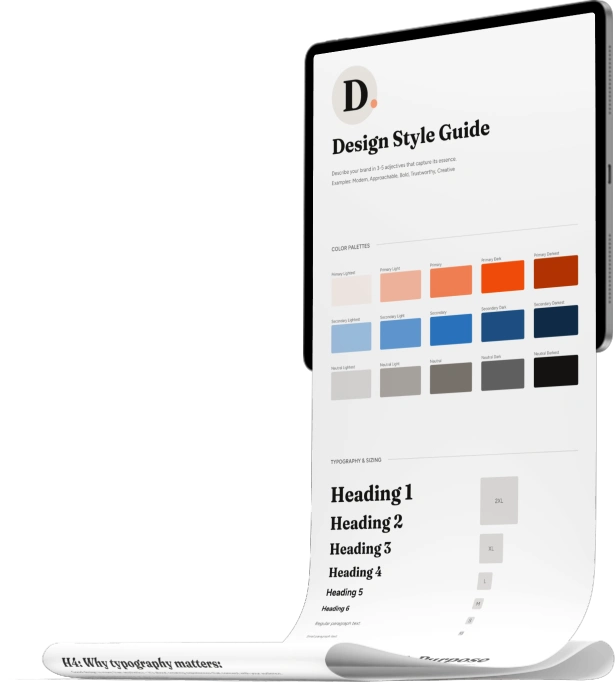
Either way, you walk away with a JSON file containing your complete Website Design Style Guide that you'll import and confidently adapt for every new client project.

No more starting from a blank page
No more recreating the same buttons
No more guessing how Variables and Presets work together
No more watching random tutorials that don't connect
You don't just get a template. You get the knowledge to own your system completely. You'll understand:
WHY each variable and preset exists
HOW to modify them for different brands
WHEN to use each component
WHERE they fit in your actual workflow

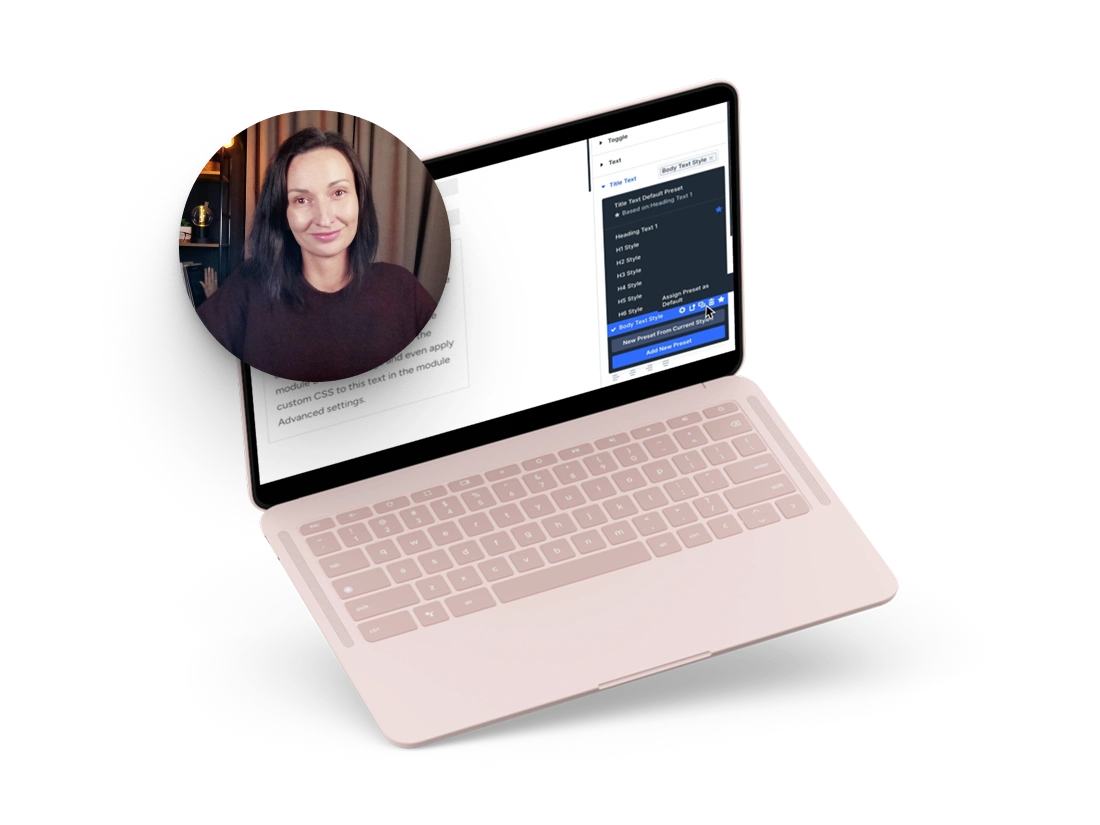
The complete 7-step video course
Value: €197
Step 1
The Big Picture
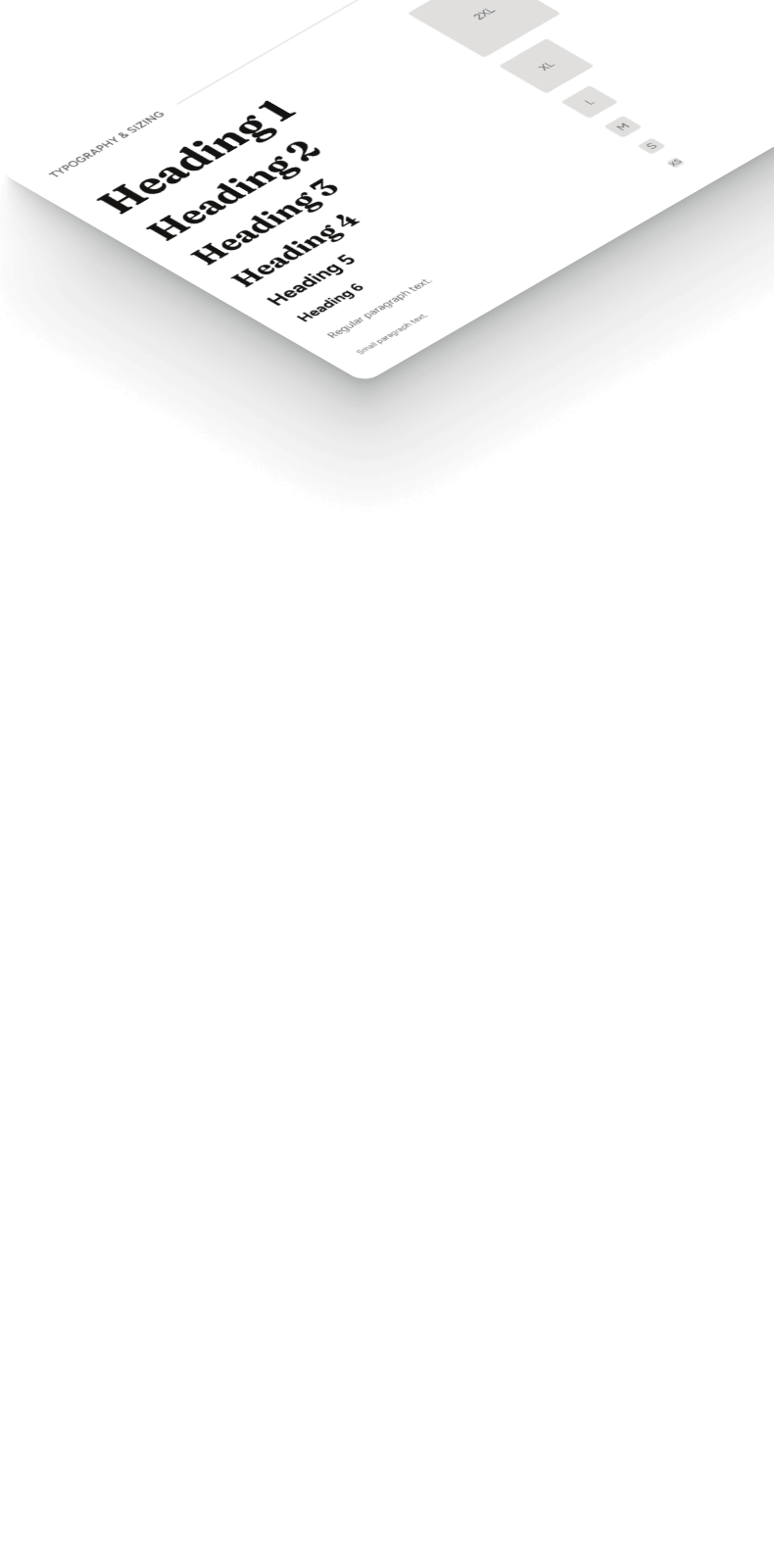
Learn what a design system actually is and why Divi 5 makes it possible. Plan your brand foundation (colors, fonts, visual style) and set up your Design Style Guide page structure.
Step 2
Color Variables
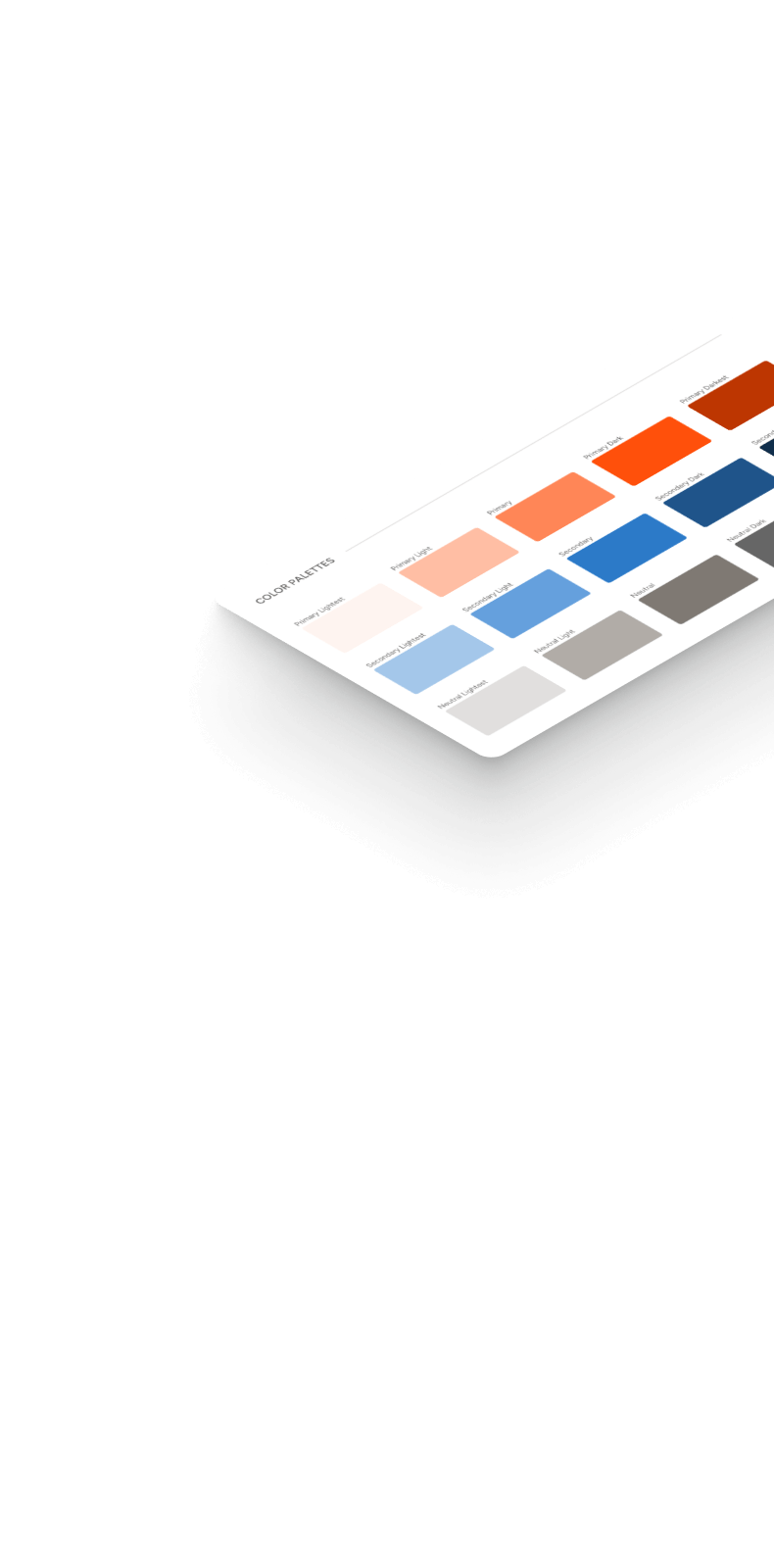
Build a professional color palette using global variables and HSL relative colors. Create primary, secondary, and neutral shades that automatically adjust when you change the base color.
Step 3
Smart Responsive Units
Set up fluid typography and spacing system using CSS clamp. Your text and spacing will scale perfectly from mobile to desktop - no manual breakpoint adjustments needed.
Step 4
Typography & Spacing Presets
Create Option Group Presets that work across all modules. This is where the magic happens - style your typography once, use it everywhere. Set default spacing for consistent layout rhythm.
Step 5
Buttons & Brand Assets
Build button styles that work in every module. Add image variables for logos and brand elements, plus visual style presets for borders and shadows.
Step 6
Element Presets
Build your reusable component library - fully styled modules. Learn how nesting presets works: Variables + Option Group Presets + Element Presets working together as one system.
Step 7
Export & Reuse
Export your complete design system as a portable JSON file. Import it into a fresh project and customize it for a new "client" in minutes to see how fast your workflow becomes.

7 comprehensive video lessons (2 hours total)
Complete PDF transcript for each lesson
Step-by-step action items so you always know what to do next
Lifetime access - come back anytime to reference or rebuild
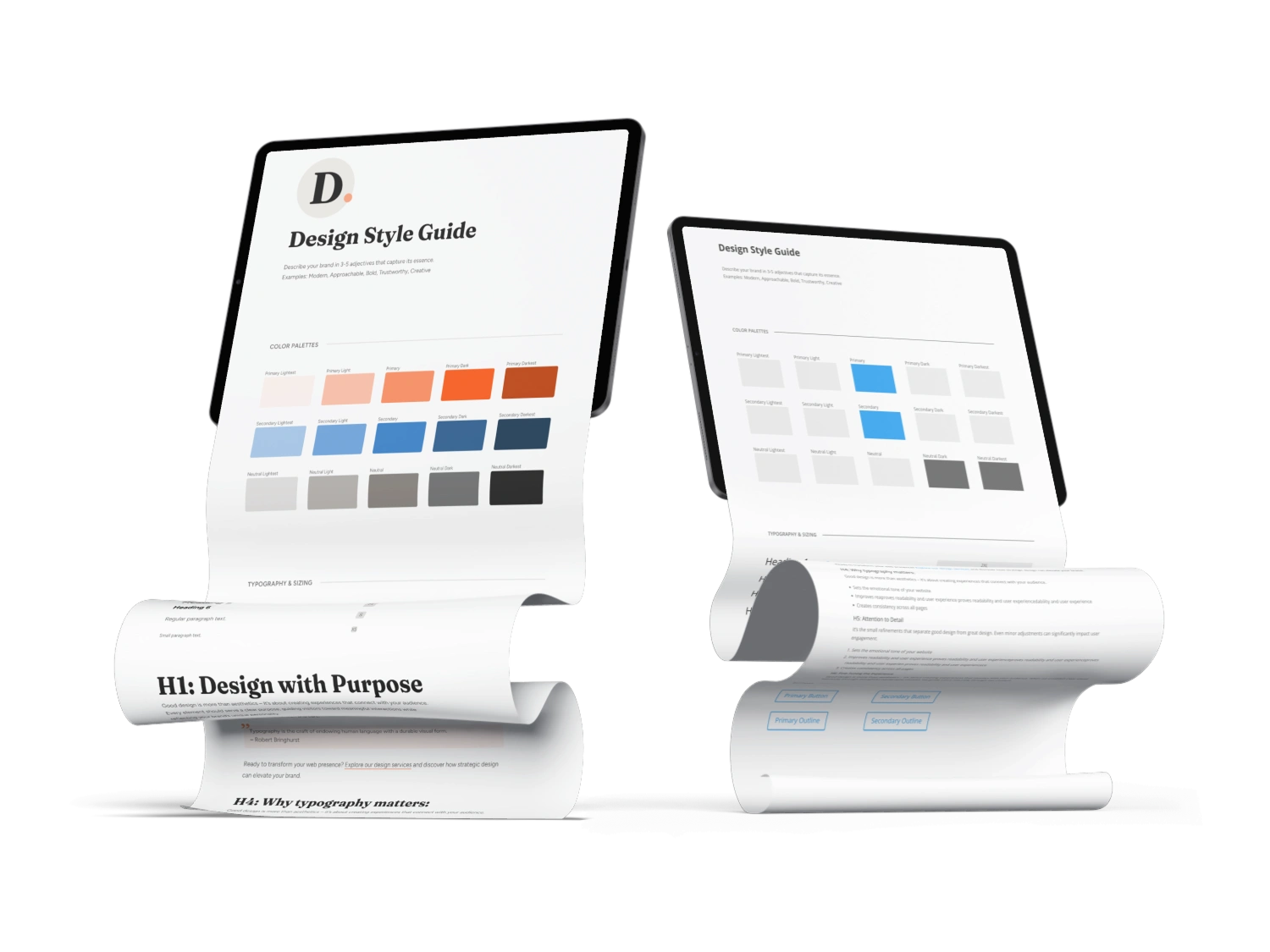
Plus: ready-to-use Divi templates
Value: €98
Done-for-you
Design Style Guide Starter Template
Import immediately and start using it today - or reverse-engineer it to understand exactly how everything connects. Includes my complete color system, typography scale, spacing presets, button styles, and element presets.
Do-It-YOURSELF
Empty Base Layout to follow along
Don't start from a blank page. This starter layout gives you the structure to build on as you follow the course. Just import, customize, and go.
Production-ready, tested on real projects
Modify easily to match your workflow
Ania's complete Starter Template (JSON export)
To make it even easier, you also get these bonus resources:
PDF Guide
Divi 5 Presets & Variables Idea Book
Value: €29
Your reference guide for what you can create in Divi 5. Explore variable types, option group presets, and element preset possibilities beyond what's covered in the course. Use it as inspiration when planning your system or as a reference when you want to expand.
Variable ideas: colors, fonts, images, text
Element and Option Group Preset catalog with use case examples
Default preset recommendations and stacking strategies
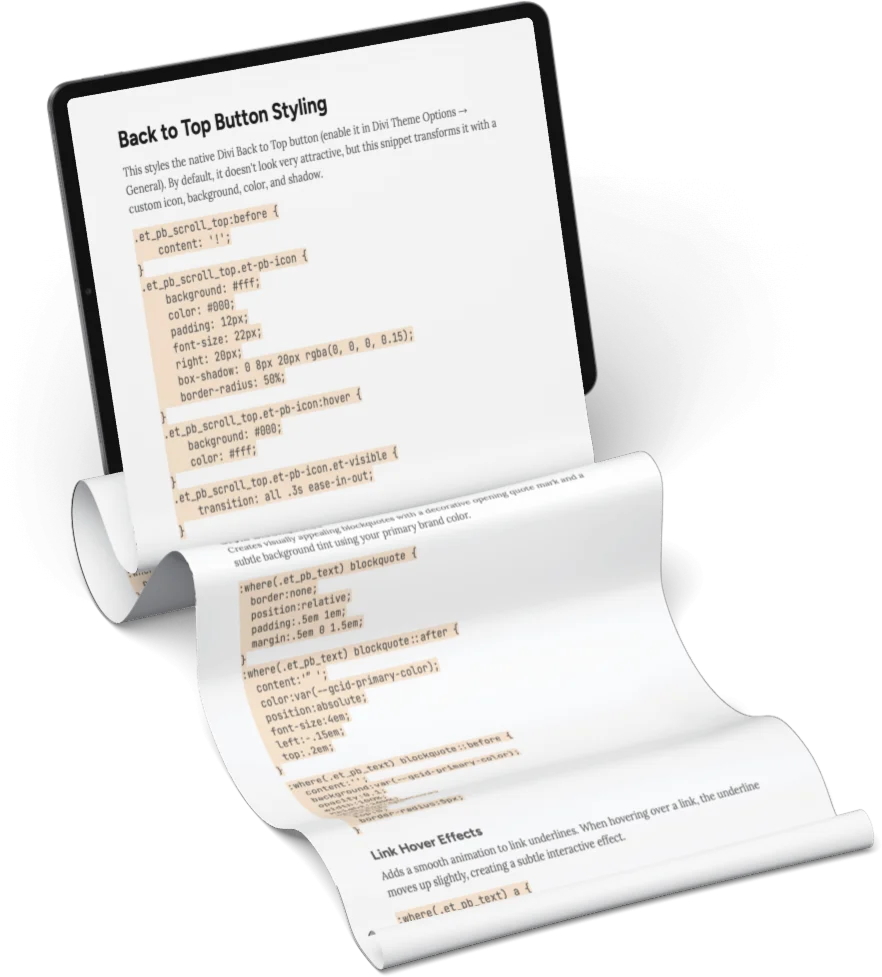
Code Snippets
CSS Starter Cheatsheet
Value: €29
This cheatsheet contains essential CSS snippets to enhance your Divi 5 design system. They solve common styling issues: awkward spacing in Text modules, generic-looking lists and blockquotes.
Written specifically for Divi 5
Works with global color and font variables - automatically adapts to your brand settings
Copy-paste ready, no coding required
Bonus video
Divi 5 Interface Tour
Value: €19
Quick walkthrough of the new Divi 5 builder interface. Perfect if you haven't explored it yet or want to understand where all the new tools are located.
Navigate the new interface with confidence
Understand what changed from Divi 4
15-minute tour, straight to the point

Plus: Q&A session replay
Replay included
Live Q&A session replay with Ania
You get access to the full replay of the live Q&A session with course students. Almost 2 hours of real questions, practical answers, and clarifications around Divi 5 design systems, presets, variables, and real-world workflows.
~2 hours of Q&A with real student questions
Practical clarifications based on real projects
Available instantly inside the course
Ready to own your Divi 5 workflow?
Get everything you need to build your Design System starter template:
7-Step Video Course (2 hours of training)
€197
Ania's Complete Starter Template (JSON)
€69
Base Layout to follow along
€29
Preset Checklist
€29
CSS Starter Cheatsheet
€29
Divi 5 Interface Tour
€19
TOTAL VALUE:
€372
One-time Investment:
€169
Is this for you?
This system is perfect for you if:
This is NOT for you if:
Perfect fit? Here's your advantage:
Divi 5's core design features are stable and ready to use right now. Variables, presets, option groups, fluid responsive units - they all work.
The question isn't whether you'll need this system. It's whether you'll build it now - while you have time to learn it properly - or scramble to figure it out mid-project.
Start this week. Use it on every project from here on.
Who's teaching this?
Ania from Divi Lover

I've spent 10+ years creating Divi themes, tools, and educational content. I'm the creator of Divi Stylist Academy, Divi Toolbox plugin, and dozens of Divi child themes.
For the past 6 months, I've been deep in the Divi 5 Alpha trenches with my students -building layouts, testing every new feature, hitting bugs, celebrating fixes, and figuring out what actually works in real projects.
This isn't theory from someone who watched a few tutorials.
This is a tested system built from hundreds of hours of real project experience.
I know exactly:
Which features are ready to use now
Which workflows save the most time
How to build a system that actually works when you open a new client project.
Not just another tutorial - a proven system.

Here’s what early adopters say after building their Divi 5 system.
I hadn’t taken the time to really deep dive into Divi 5 yet, and I knew Ania would approach it in a thoughtful and practical way.
~ Rikke
I finally understand not only how things work in Divi, but why they matter. That shift alone changed everything for me.
~ Ursula
I didn’t want to experiment blindly with Divi 5 - I wanted a quick, practical path forward so I could build faster and create better-performing sites.
~ Jackie
I liked the direction Divi 5 was going in, but it was hard to see its full potential. This course felt like a light switch being turned on.
~ Jason
The course gave me a clear, structured way to work with the Divi 5 design system, instead of figuring things out project by project.
~ Erich
My biggest struggle was creating a default system so I wouldn’t have to start from scratch every time. This course completely changed that.
~ Elias
This course really opened my eyes to what’s possible with Divi 5 - especially in terms of creating a maintainable style system.
~ Pia
The most valuable part for me was understanding how to combine variables with presets - especially using clamp for responsive typography.
~ Rikke
I joined because I adore Ania’s work and wanted a real introduction to Divi 5 - building a site from scratch made it click immediately.
~ Ursula
The ‘set and forget’ approach is already a huge win for me, especially when it comes to responsive design.”
~ Jackie
The way colors and variables are handled finally makes sense - especially the formulas and logic behind them.
~ Jason
I joined after another training because I was impressed by how clearly Ania explains complex topics - and again, everything finally clicked.
~ Elias
Thanks to the template, I finally have a solid foundation I can reuse across completely different client projects.
~ Erich
Everything is laid out in a clear and logical flow, and the bite-sized lessons made it easy to build momentum step-by-step.
~ Pia
I can already see how this will make my workflow much more efficient, and I’ve already started using my new starter template on a real Divi 5 client project.
~ Rikke
I’m switching fully to Divi 5 and rebuilding all my sites, and now I feel confident doing it. I know what to do and why I’m doing it.
~ Ursula
Everything clicks into place instead of feeling experimental.
~ Jason
Everything connects - variables, colors, spacing, and presets - which brings both consistency and speed.
~ Erich
The clamp system and spacing system were especially powerful - I finally understand how it all connects.
~ Elias
The clamp calculators and learning how to use clamps properly are absolute game-changers. Ania’s guidance, visuals, and practical style sheet brought everything together in a way that finally made sense.
~ Pia
I honestly wish this course had existed when I first started with Divi 4 - it would have saved me so much time.
~ Ursula
Rebuilding my portfolio with this layout as a starting point is saving me a massive amount of time.
~ Jackie
What excites me most is the consistency. My workflow already feels more structured and confident.
~ Jason
This course gave me a practical system I can confidently build my business on.
~ Erich
This course gave me clarity, confidence, and a much better way of working with Divi 5.
~ Elias
Using clamp finally makes responsiveness feel predictable and efficient instead of frustrating.
~ Jackie
The details you're looking for…
How long does this actually take?
2 hours of video + 3-7 days of building time if you follow along step by step. Most people do about 1 hour per day for a week. You can also skip building and just import my template immediately – then learn how it works at your own pace.
Do I need to know CSS or be technical?
No. If you can use Divi, you can do this. The course uses Divi's visual interface for everything. I do include some helpful CSS snippets as a bonus, but they're optional. The clamp function for fluid typography looks complicated, but I give you calculators that do all the math.
Can I customize this for different clients?
Absolutely. That's the whole point. You build (or import) your base system once. Then for each new client, you customize colors (2 minutes), fonts (1 minute), and logo/brand assets. The structure, spacing, and presets stay the same. One system, infinite variations.
What if I get stuck?
Each lesson includes a detailed PDF transcript you can reference. The course also includes my complete Starter Template – you can compare your work to mine at any point. Plus, you have lifetime access – come back anytime, rewatch lessons, reference the guides.
Is this a subscription?
No. One-time payment of €169. Lifetime access to all materials. No hidden costs, no recurring charges.
I'm still on Divi 4. Will this work for me?
The course is built for Divi 5, but it's great preparation even if you're not ready to switch yet. When you do upgrade, you'll already understand how the new system works and have your template built.
When do I get access?
Immediately. Within 2 minutes of purchase, you'll receive login credentials to the course platform.
What format are the materials?
7 streaming video lessons (with download options) + downloadable PDF transcripts + JSON template files + bonus materials. Access everything on your computer, tablet, or phone.
What if it doesn't work for me?
7-day money-back guarantee. Go through the materials, try importing the template, and if you don't feel this transforms your workflow – email me for a full refund. No questions asked.
How is this different from Elegant Themes' Design System?
ET's Design System is incredible – 400+ pre-built sections, ready to use. It's perfect if you want plug-and-play. This course is for understanding and control. You learn HOW to build a design system, WHY each part exists, and HOW to confidently customize everything. Many students use both – ET's system for content, this course for knowledge.
How is this different from just watching YouTube tutorials?
YouTube tutorials show you individual features. This course shows you how all those features work TOGETHER as a system. You get the complete workflow, not scattered pieces.
Do I need any special tools or plugins?
Just Divi 5. Everything we build uses Divi's native features. No additional purchases required.
Here's where you decide…
You've read the whole page. You know what this is.
Either you want to learn my process, build your starter template, and understand the entire ecosystem of new functionalities in Divi 5 - or you don't. If you do, great!
If you don't - no hard feelings. I'm sure you'll be able to figure out these things on your own. Come back in the future if you ever change your mind.
Build your system this week, use it forever
Two hours of video.
One weekend of focused work.
Starter template you'll use on every project for the next year.